EMEET C950 4K Webcam for PC - 8 Megapixels 4K UHD, PDAF Autofocus, Noise-Canceling Mic, 70° FOV, 1080P@60FPS, Privacy Cover, USB 2.0 Plug&Play, No Tripod Hole, Ideal Webcam for Zoom/Teams/Google Meet
View product details, specifications, and pricing. Add to cart or compare with similar items.

Product description
The video showcases the product in use.The video guides you through product setup.The video compares multiple products.The video shows the product being unpacked. EMEET C950 4K Webcam for PC Merchant Video


1 4K Image with PDAF Focus
2 Portable Anytime Anywhere


1 Noise-Canceling Mic
2 Convenient Plug&Play
3 Safe Privacy Protection
4 Wide Compatibility
5 Customizable EMEETLINK


1 for Art
2 for Legal Consult
3 for Telemedicine
4 for Enterprise

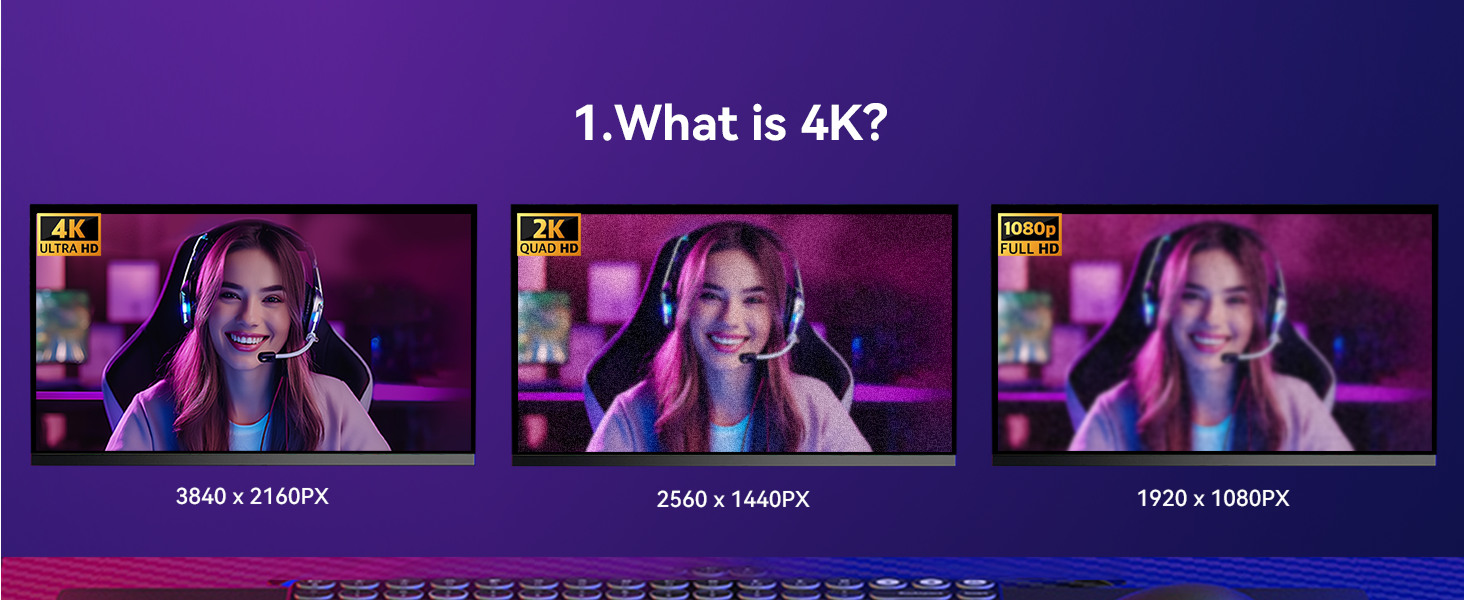
1 What is 4K?
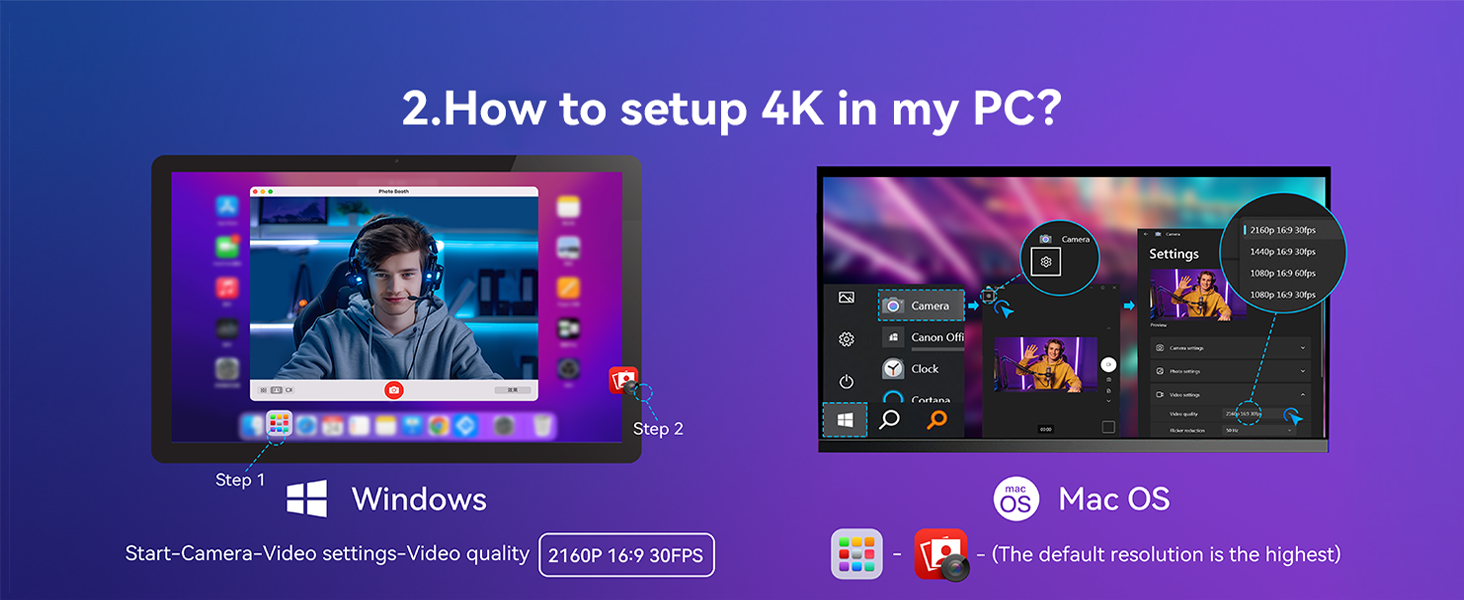
2 How to setup 4K in my PC?
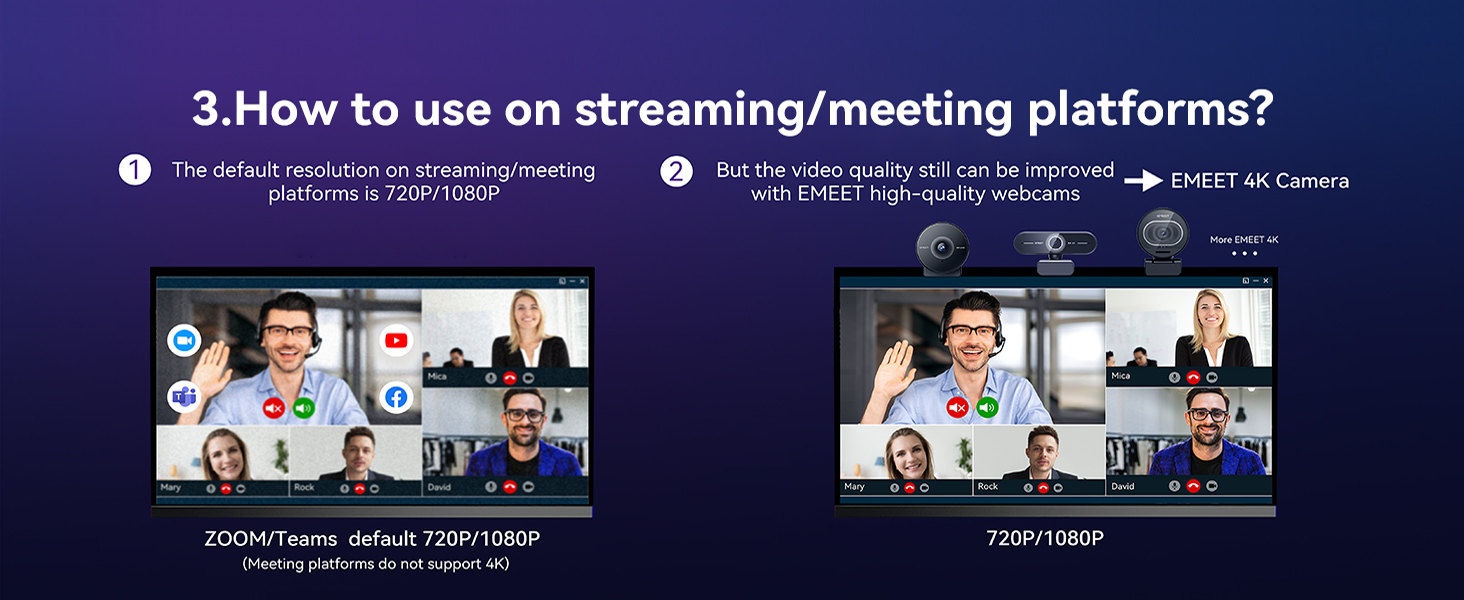
3 How to use on platforms?
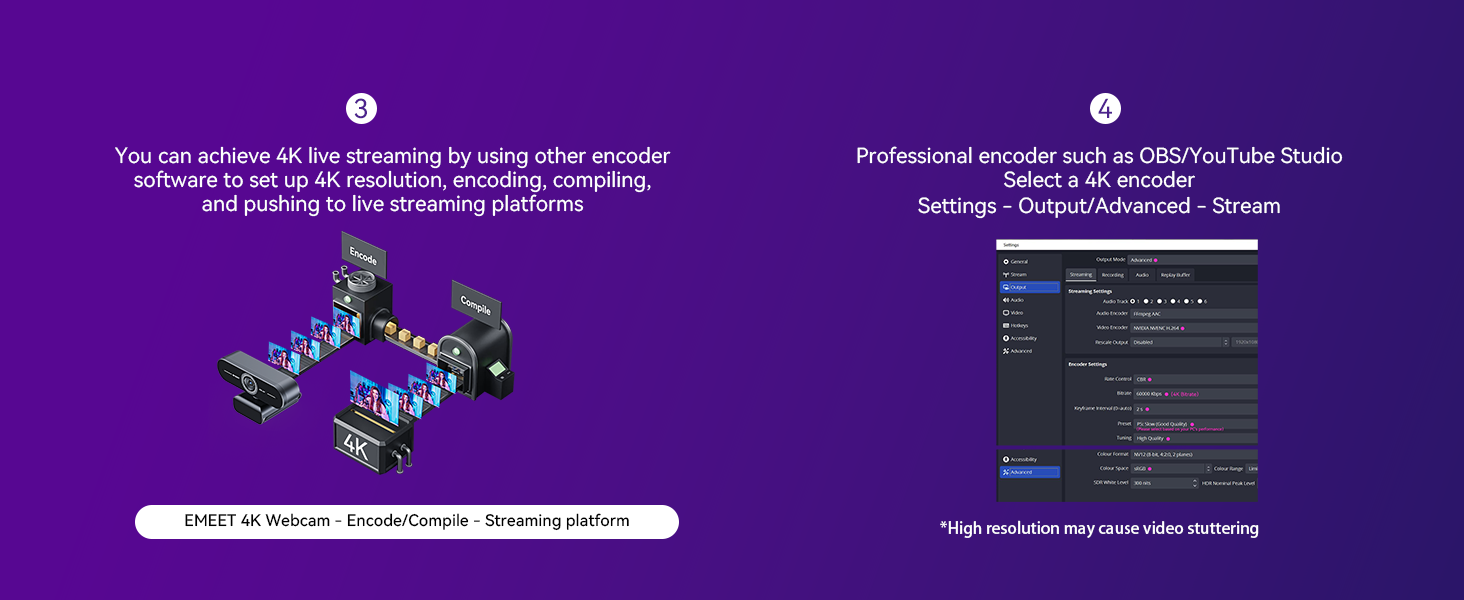
4 How to use on platforms?
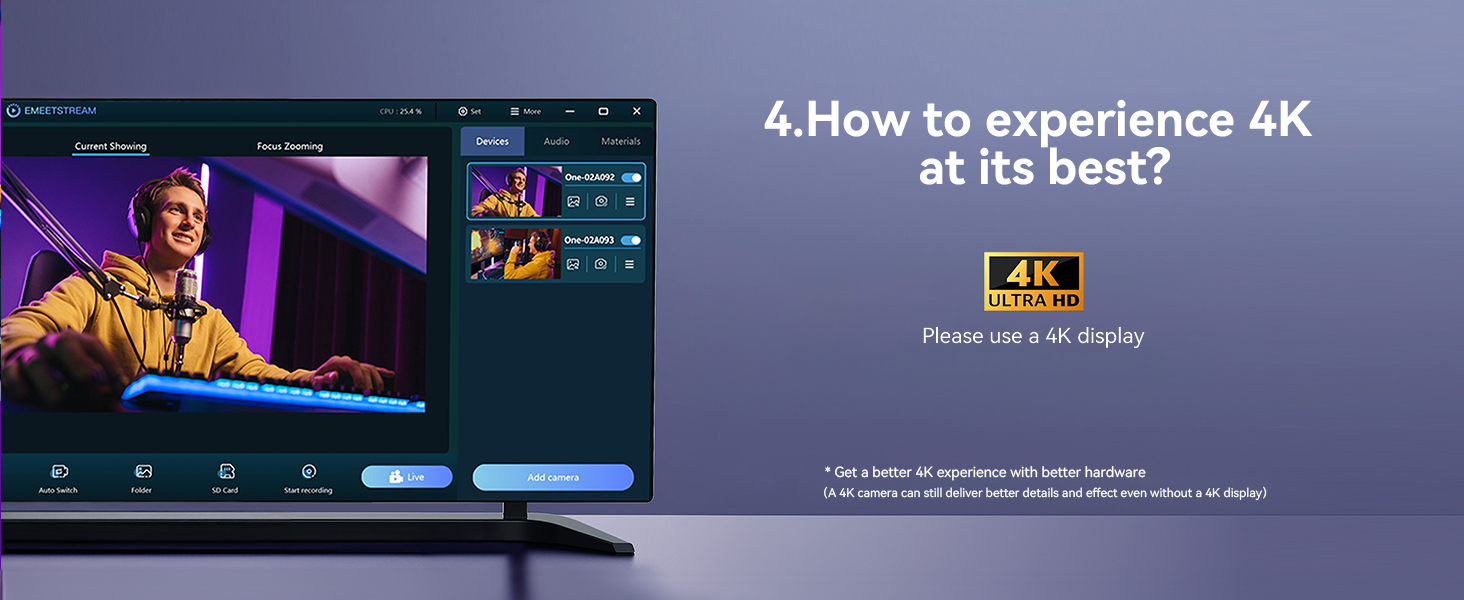
5 How to experience best 4K
Why does the video quality of my C950 4K webcam look blurry or not as clear as expected?
The C950 4K webcam supports 4K. For best results:
1. On Windows, go to Camera app > Settings > Video quality > 3840×2160.
2. In Zoom/OBS/Teams, set resolution to 4K.
3. Use bright lighting and keep the camera 4"–10' away for clear focus.
My C950 4K webcam didn’t come with a tripod or privacy cover. Is something missing from the box?
The C950 4K includes a USB cable and built-in lens cover. It doesn’t come with a tripod or 1/4" mount, as it’s made for monitor use. If your USB cable or lens cover is missing, please find us via Amazon—we’re happy to help!
Why is my C950 4K webcam not focusing properly or looks blurry during video calls?
The C950 4K PDAF autofocus works best at 4"–10'. For clear video, adjust your distance, use bright lighting, and wait 1–2 seconds after movement to refocus. AutofocusStill Not Work? Find us via Amazon—we’re happy to help!
Why isn’t my C950 4K webcam working with my device or video app? Is it not compatible?
The C950 4K works with Windows 10/11, macOS 10.14+, Linux, Android TV 7.0+, and apps like Zoom, Teams, Skype, Google Meet, etc. Use a direct USB port, allow camera access in system settings, and select “C950 4K” in your app. Need help? Find us!
I think I received the wrong item. This doesn’t look like the C950 4K webcam—what should I do?
Please check the model name on the webcam—it should say “C950 4K.” Packaging details differ slightly from the 1080P version. If you're unsure, send us a photo via Amazon, and we'll help confirm. If there's a mix-up, we’ll resolve it promptly!
8 Megapixels 4K UHD Unmatched Clarity – Supporting resolutions and frame rates from 4K@30FPS to 1080P@60FPS, the EMEET C950 4K webcam delivers crisp and detailed video when used under proper lighting and with compatible platforms. Ideal for remote business meetings, online education, live streaming, and game broadcasting, this 4K webcam features a CMOS sensor for enhanced low-light performance. Note: Actual video resolution may vary depending on camera software or apps such as PotPlayer/OBS.
Unparalleled Performance with PDAF Autofocus - 4K Webcam C950's PDAF autofocus offers advantages over common autofocus in faster speed, higher precision, and more stable performance. The recommended focusing distance under natural lighting conditions is between 4 inches and 10 feet. 70 ° FOV focuses on you rather than your background, providing a good user experience where unwanted backgrounds will be blocked. EMEETLINK lets you customize image settings and upgrade firmware easily.
Excellent Audio Clarity & Flexible Design - With a built-in noise-canceling microphone, the C950 4K webcam delivers flawless communication up to 6 feet away, making it ideal for busy offices or home setups where noisy background sound may be a disturbance. The EMEET C950 webcam for pc 4K's flexible bracket design allows for a 15° ±3° vertical forward angle and a 90° ±3° vertical backward angle, providing ideal viewing angles for various scenes captured from high and low angles of desktop work.
Convenient Plug&Play, Guaranteed Privacy Protection - The C950 web cam 4K combines ease of use with top-tier security. With USB 2.0 plug-and-play functionality, this 4K webcam for laptop ensures easy connectivity, smooth data transfer, and stable performance without complex drivers. Privacy protection features include a physical cover to block the lens, no Bluetooth to avoid leaks, no WiFi to prevent breaches, no drivers to reduce vulnerabilities, and no cloud storage to keep all data local.
Compatible with Major Platforms and Systems - C950 4K webcam for laptop is fully compatible with Zoom, Microsoft Teams, Google Meet, Cisco Webex, Facetime, GoToMeeting, Lifesize, Slack, Line, ensuring stable and high-quality online calls. Additionally, the 4K webcam with microphone works effortlessly across multiple systems such as Windows (Win10,11), macOS (10.14 and above), and Android TV V7.0 and above. It works seamlessly in USB Video Device Class mode. Tripod mounting is not supported.
Customers say
Customers find the webcam's picture quality good, with one mentioning its vibrant 4K visuals, and appreciate its ease of setup and plug-and-play functionality. Moreover, they consider it a great budget option. However, compatibility receives mixed feedback - while it works well with Linux and Microsoft Teams, some customers report their computers don't recognize it. Additionally, the microphone quality also gets mixed reviews, with some finding it good while others say it's not great.
Reviews
There are no reviews yet.
Be the first to review “EMEET C950 4K Webcam for PC - 8 Megapixels 4K UHD, PDAF Autofocus, Noise-Canceling Mic, 70° FOV, 1080P@60FPS, Privacy Cover, USB 2.0 Plug&Play, No Tripod Hole, Ideal Webcam for Zoom/Teams/Google Meet”
Please log in to write a review.
No shipping information available.